
Recent posts
#11
Warlock / Re: Warlock envelope
Last post by Markus Krause - July 15, 2026, 09:52:30 AMHello Robert,
it was implemented this way to keep the patch compatibility with FireBird.
Technically it is possible to implement an additional switch in a future update. I have added your request to our database.
Thank you for supporting our small company!
Best Regards,
Markus Krause
it was implemented this way to keep the patch compatibility with FireBird.
Technically it is possible to implement an additional switch in a future update. I have added your request to our database.
Thank you for supporting our small company!
Best Regards,
Markus Krause
#12
Warlock / Warlock envelope
Last post by RobertF - July 14, 2026, 02:54:43 PMHi Markus.
There appears to be an issue with envelope implementation in Warlock. Specifically, when a midi controller key is pressed then released quickly, the envelopes do not immediately jump to the release segment but instead continue the remainder of the attack and decay segments. This can be demonstrated with any pad with long attack and decay, but short release. Then quickly press and release a key. It's an issue for me because many pads are designed to be played both quickly and slowly. For instance, a cello pad starting with a bow swipe.
If this non-standard difference was implemented intentionally because Firebird did so, please provide warlock an interface switch somewhere for industry standard envelopes.
Thanks for your many years of effort supporting these instruments.
There appears to be an issue with envelope implementation in Warlock. Specifically, when a midi controller key is pressed then released quickly, the envelopes do not immediately jump to the release segment but instead continue the remainder of the attack and decay segments. This can be demonstrated with any pad with long attack and decay, but short release. Then quickly press and release a key. It's an issue for me because many pads are designed to be played both quickly and slowly. For instance, a cello pad starting with a bow swipe.
If this non-standard difference was implemented intentionally because Firebird did so, please provide warlock an interface switch somewhere for industry standard envelopes.
Thanks for your many years of effort supporting these instruments.
#13
Announcements & Updates / Cyber Genesis soundset for Ele...
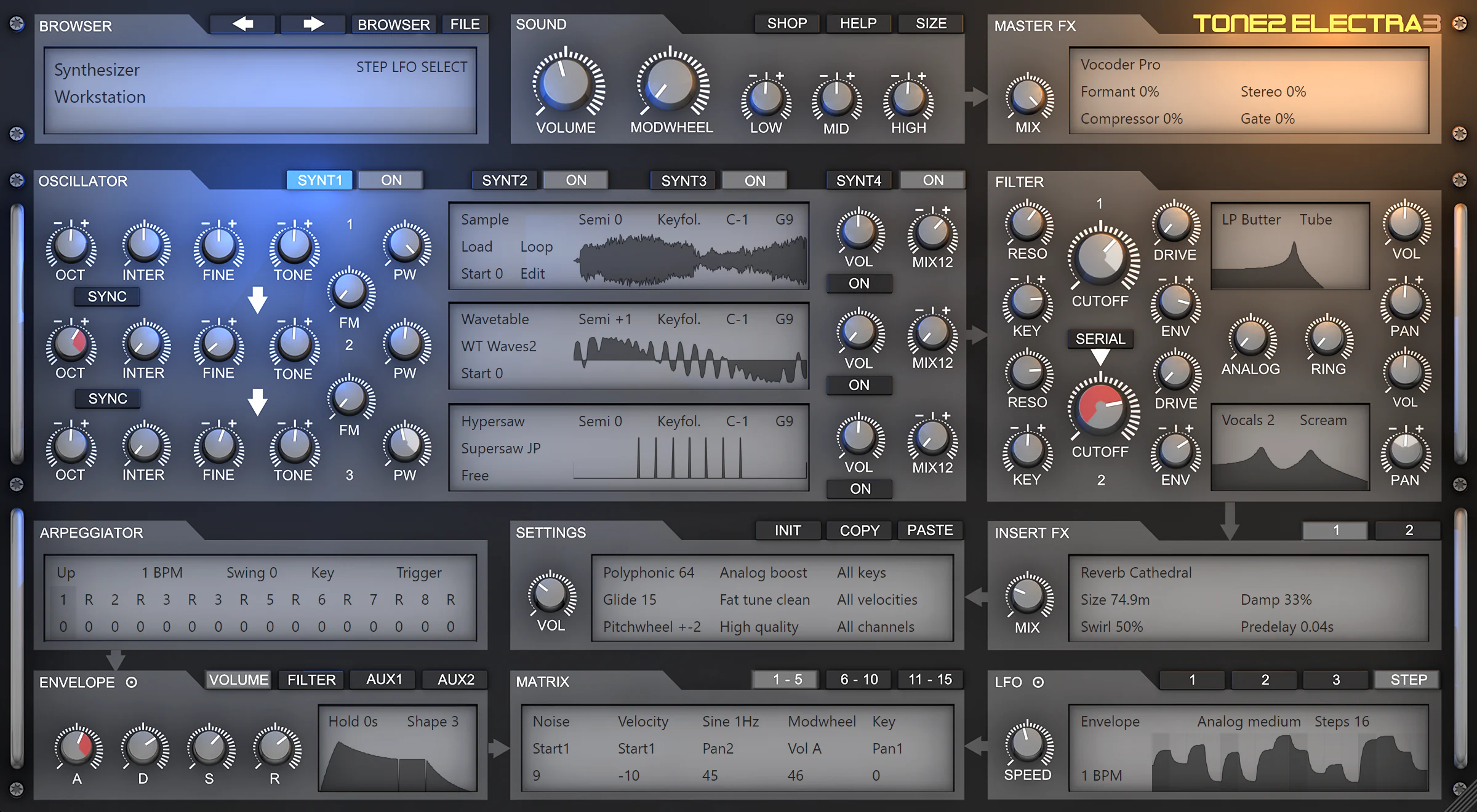
Last post by Markus Krause - July 13, 2026, 09:06:53 AMTone2 Audio has released Cyber Genesis, a soundset for their synthesizer-workstation Electra3.
"Step into a digital genesis of sound with Cyber Genesis — a bold new Electra bundle crafted to elevate your electronic creations across all styles. Whether you're building pulsing techno landscapes, glitchy EDM grooves, atmospheric pads, or kinetic arpeggiated sequences, Cyber Genesis brings depth, drive, and futuristic motion."
Cyber Genesis is suitable for electronic music - from ambient, cinematic, and EDM, to techno, trance, synthwave, glitch, and dancefloor-bound patterns.
Highlights
https://www.tone2.com/cyber-genesis.html
"Step into a digital genesis of sound with Cyber Genesis — a bold new Electra bundle crafted to elevate your electronic creations across all styles. Whether you're building pulsing techno landscapes, glitchy EDM grooves, atmospheric pads, or kinetic arpeggiated sequences, Cyber Genesis brings depth, drive, and futuristic motion."
Cyber Genesis is suitable for electronic music - from ambient, cinematic, and EDM, to techno, trance, synthwave, glitch, and dancefloor-bound patterns.
Highlights
- 200 patches engineered for expressive performance: 76 arpeggiators, 124 gates.
- Expert sound design leveraging Electra's full synthesis power.
- Extensive modulation possibilities - mod wheel, velocity, aftertouch fully supported.
- All patches are carefully normalized for consistent volume and clarity.
- Seamless installation and integrated into the Electra UI.
- These aren't static samples - real dynamic patches with life, not just snapshots.
https://www.tone2.com/cyber-genesis.html
#14
Electra 3 / Cyber Genesis soundset
Last post by Markus Krause - July 13, 2026, 09:03:44 AMTone2 Audio has released Cyber Genesis, a soundset for their synthesizer-workstation Electra3.
"Step into a digital genesis of sound with Cyber Genesis — a bold new Electra bundle crafted to elevate your electronic creations across all styles. Whether you're building pulsing techno landscapes, glitchy EDM grooves, atmospheric pads, or kinetic arpeggiated sequences, Cyber Genesis brings depth, drive, and futuristic motion."
Cyber Genesis is suitable for electronic music - from ambient, cinematic, and EDM, to techno, trance, synthwave, glitch, and dancefloor-bound patterns.
Highlights
https://www.tone2.com/cyber-genesis.html
"Step into a digital genesis of sound with Cyber Genesis — a bold new Electra bundle crafted to elevate your electronic creations across all styles. Whether you're building pulsing techno landscapes, glitchy EDM grooves, atmospheric pads, or kinetic arpeggiated sequences, Cyber Genesis brings depth, drive, and futuristic motion."
Cyber Genesis is suitable for electronic music - from ambient, cinematic, and EDM, to techno, trance, synthwave, glitch, and dancefloor-bound patterns.
Highlights
- 200 patches engineered for expressive performance: 76 arpeggiators, 124 gates.
- Expert sound design leveraging Electra's full synthesis power.
- Extensive modulation possibilities - mod wheel, velocity, aftertouch fully supported.
- All patches are carefully normalized for consistent volume and clarity.
- Seamless installation and integrated into the Electra UI.
- These aren't static samples - real dynamic patches with life, not just snapshots.
https://www.tone2.com/cyber-genesis.html
#15
Announcements & Updates / Gladiator 4.2 released
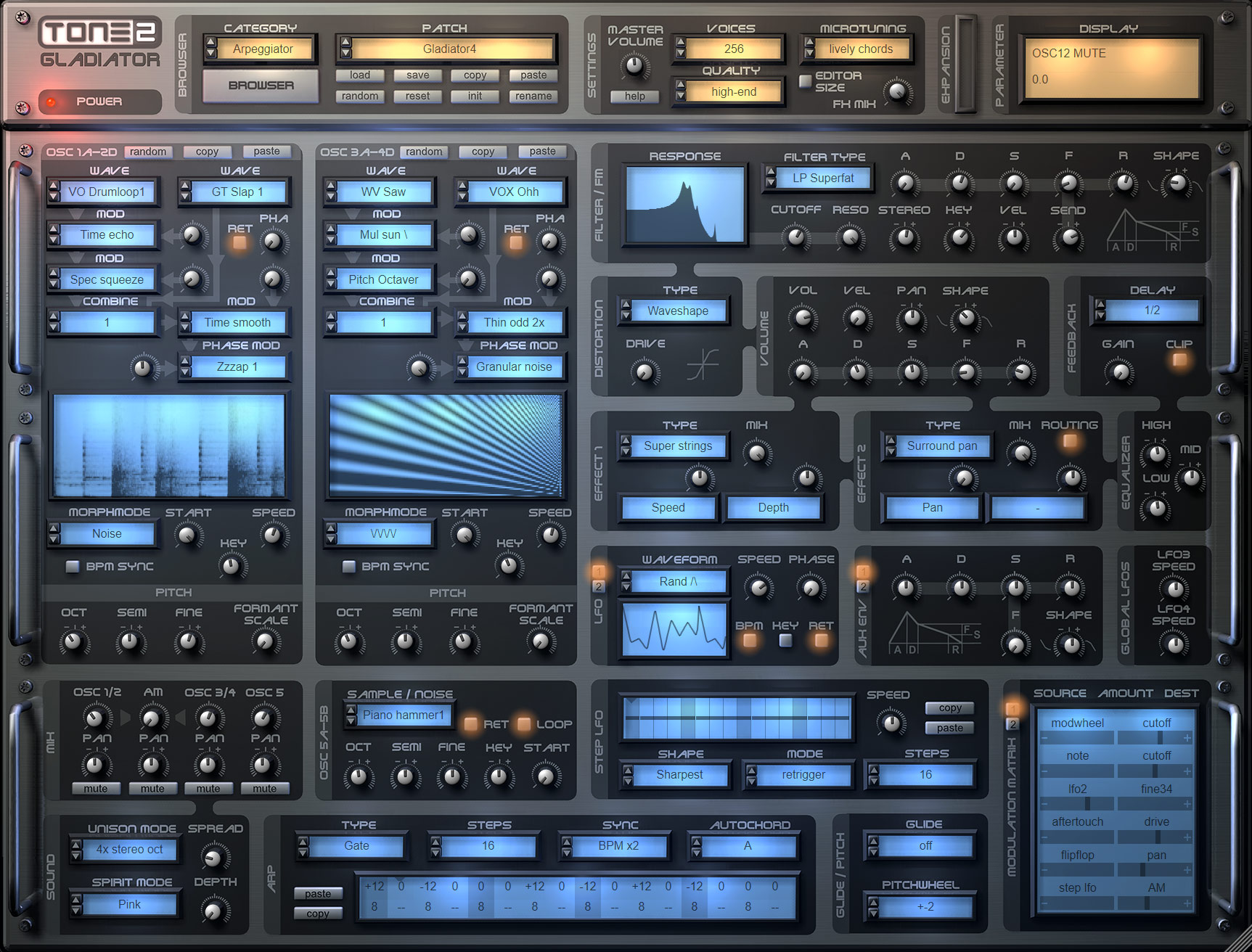
Last post by Markus Krause - June 04, 2026, 08:31:47 AMGladiator 4.2
The update to v4.2 is free for anyone who bought Gladiator 4. Owners of Gladiator 1,2 or 3 can upgrade with a big discount.
Product page:
https://www.tone2.com/gladiator.html
Free demo download link:
https://www.tone2.com/download.html
What's new in Gladiator 4.2?
New additive synthesis modes for the 'UNISON MODE':
New additive synthesis modes for the 'PHASE MOD' spectrum:
Enhanced sound:
Enhanced graphics:
Fixes:
The update to v4.2 is free for anyone who bought Gladiator 4. Owners of Gladiator 1,2 or 3 can upgrade with a big discount.
Product page:
https://www.tone2.com/gladiator.html
Free demo download link:
https://www.tone2.com/download.html
What's new in Gladiator 4.2?
New additive synthesis modes for the 'UNISON MODE':
- 'Additive partials' stacks 4 disharmonic 'organ' oscillators. You can use the 'SPREAD' knob to change the ratio.
- 'Additive bell' stacks 4 disharmonic 'bell' oscillators. You can use the 'SPREAD' knob to change the ratio.
New additive synthesis modes for the 'PHASE MOD' spectrum:
- 'Tune partials +' detunes the higher partials of a spectrum without detuning the base harmonic. The amount of detuning depends from the morph 'SPEED'.
- 'Tune partials -' detunes the partials in reverse direction. The amount of detuning depends from the morph 'SPEED'.
- 'Splash tune' heavily detunes the partials without detuning the base harmonic. The amount of detuning depends from the morph 'SPEED'.
- 'Fluppy tune' heavily detunes the partials without detuning the base harmonic. The amount of detuning depends from the morph 'SPEED'.
- 'Crackles' creates random phase garbage.
Enhanced sound:
- The new quality mode 'ultra high-end' calculates oscillators with double precision and 4x oversampling.
- The enhanced FFT precision results in more accurate resampling of waveforms.
- Replaced 'Reverb Large' with a much better unit. It has a smoother rolloff and more detail.
- Replaced 'Reverb Trance' with a much better unit. It has a smoother rolloff and more detail.
- Replaced 'Reverb Small' with a much better unit. It has a much smoother rolloff and more detail.
- Replaced 'Reverb Predelay' with a much better unit. It has a much smoother rolloff and more detail.
- The threshold for bypassing the FX processing for saving CPU is lower. Reverb tails do not longer get cut-off.
- The microtuning-mode 'silky chords' sounds more polished.
- The psychoacoustic postprocessing unit uses more precise coeficients and 64bit processing for calculations.
- The equalizer uses more precise coefficients and 64bit processing for calculations.
Enhanced graphics:
- Much faster animations of the displays.
- More precise layout of some knobs.
Fixes:
- After closing the patch browser incorrect parameters could be shown.
#16
Icarus / 27 sounds from Examigan
Last post by Markus Krause - May 22, 2026, 10:29:18 AMExamigan has created 27 free sounds for Icarus3.
https://www.kvraudio.com/product/icarus3-by-tone2-audiosoftware/downloads
Sound demos:
https://whyp.it/users/42439/examigan
https://www.kvraudio.com/product/icarus3-by-tone2-audiosoftware/downloads
Sound demos:
https://whyp.it/users/42439/examigan
#17
Gladiator / Gladiator 4.2
Last post by Markus Krause - May 08, 2026, 08:10:35 AMGladiator 4.2
The update to v4.2 is free for anyone who bought Gladiator 4. Owners of Gladiator 1,2 or 3 can upgrade with a big discount.
Product page:
https://www.tone2.com/gladiator.html
Free demo download link:
https://www.tone2.com/download.html
What's new in Gladiator 4.2?
New additive synthesis modes for the 'UNISON MODE':
New additive synthesis modes for the 'PHASE MOD' spectrum:
Enhanced sound:
Enhanced graphics:
Fixes:
The update to v4.2 is free for anyone who bought Gladiator 4. Owners of Gladiator 1,2 or 3 can upgrade with a big discount.
Product page:
https://www.tone2.com/gladiator.html
Free demo download link:
https://www.tone2.com/download.html
What's new in Gladiator 4.2?
New additive synthesis modes for the 'UNISON MODE':
- 'Additive partials' stacks 4 disharmonic 'organ' oscillators. You can use the 'SPREAD' knob to change the ratio.
- 'Additive bell' stacks 4 disharmonic 'bell' oscillators. You can use the 'SPREAD' knob to change the ratio.
New additive synthesis modes for the 'PHASE MOD' spectrum:
- 'Tune partials +' detunes the higher partials of a spectrum without detuning the base harmonic. The amount of detuning depends from the morph 'SPEED'.
- 'Tune partials -' detunes the partials in reverse direction. The amount of detuning depends from the morph 'SPEED'.
- 'Splash tune' heavily detunes the partials without detuning the base harmonic. The amount of detuning depends from the morph 'SPEED'.
- 'Fluppy tune' heavily detunes the partials without detuning the base harmonic. The amount of detuning depends from the morph 'SPEED'.
- 'Crackles' creates random phase garbage.
Enhanced sound:
- The new quality mode 'ultra high-end' calculates oscillators with double precision and 4x oversampling.
- The enhanced FFT precision results in more accurate resampling of waveforms.
- Replaced 'Reverb Large' with a much better unit. It has a smoother rolloff and more detail.
- Replaced 'Reverb Trance' with a much better unit. It has a smoother rolloff and more detail.
- Replaced 'Reverb Small' with a much better unit. It has a much smoother rolloff and more detail.
- Replaced 'Reverb Predelay' with a much better unit. It has a much smoother rolloff and more detail.
- The threshold for bypassing the FX processing for saving CPU is lower. Reverb tails do not longer get cut-off.
- The microtuning-mode 'silky chords' sounds more polished.
- The psychoacoustic postprocessing unit uses more precise coeficients and 64bit processing for calculations.
- The equalizer uses more precise coefficients and 64bit processing for calculations.
Enhanced graphics:
- Much faster animations of the displays.
- More precise layout of some knobs.
Fixes:
- After closing the patch browser incorrect parameters could be shown.
#18
Electra 3 / DAW configuration
Last post by Markus Krause - May 05, 2026, 07:54:23 AMSettings for all DAWs:
Make sure that you enabled multicore/multithread support in your DAW.
Our plugins are optimised for multicore CPUs. Unlike competing companies' products, they can distribute processing across up to four CPU cores per instance. This reduces the CPU load, prevents crackles and enables lower latency settings for your sound card.
Use the settings below if you're still using an old version of the plugin:
If you are using an Electra version older than v3.0:
Recommended samplerate: 96kHz
Make sure that you enabled multicore/multithread support in your DAW.
Our plugins are optimised for multicore CPUs. Unlike competing companies' products, they can distribute processing across up to four CPU cores per instance. This reduces the CPU load, prevents crackles and enables lower latency settings for your sound card.
Use the settings below if you're still using an old version of the plugin:
If you are using an Electra version older than v3.0:
Recommended samplerate: 96kHz
#19
Icarus / DAW configuration
Last post by Markus Krause - May 05, 2026, 07:34:55 AMSettings for all DAWs:
Make sure that you enabled multicore/multithread support in your DAW.
Our plugins are optimised for multicore CPUs. Unlike competing companies' products, they can distribute processing across up to four CPU cores per instance. This reduces the CPU load, prevents crackles and enables lower latency settings for your sound card.
Use the settings below if you're still using an old version of the plugin:
If you are using an Icarus version older than v3.2:
Recommended samplerate: 96kHz
If you are using an Icarus version older than v2.5 and FL Studio /Fruity Loops:
Go to the processing options in FL Studio and select 'use fixed size buffers' and 'Allow threaded processing'.
Make sure that you enabled multicore/multithread support in your DAW.
Our plugins are optimised for multicore CPUs. Unlike competing companies' products, they can distribute processing across up to four CPU cores per instance. This reduces the CPU load, prevents crackles and enables lower latency settings for your sound card.
Use the settings below if you're still using an old version of the plugin:
If you are using an Icarus version older than v3.2:
Recommended samplerate: 96kHz
If you are using an Icarus version older than v2.5 and FL Studio /Fruity Loops:
Go to the processing options in FL Studio and select 'use fixed size buffers' and 'Allow threaded processing'.
#20
Announcements & Updates / RayBlaster 3.5 released
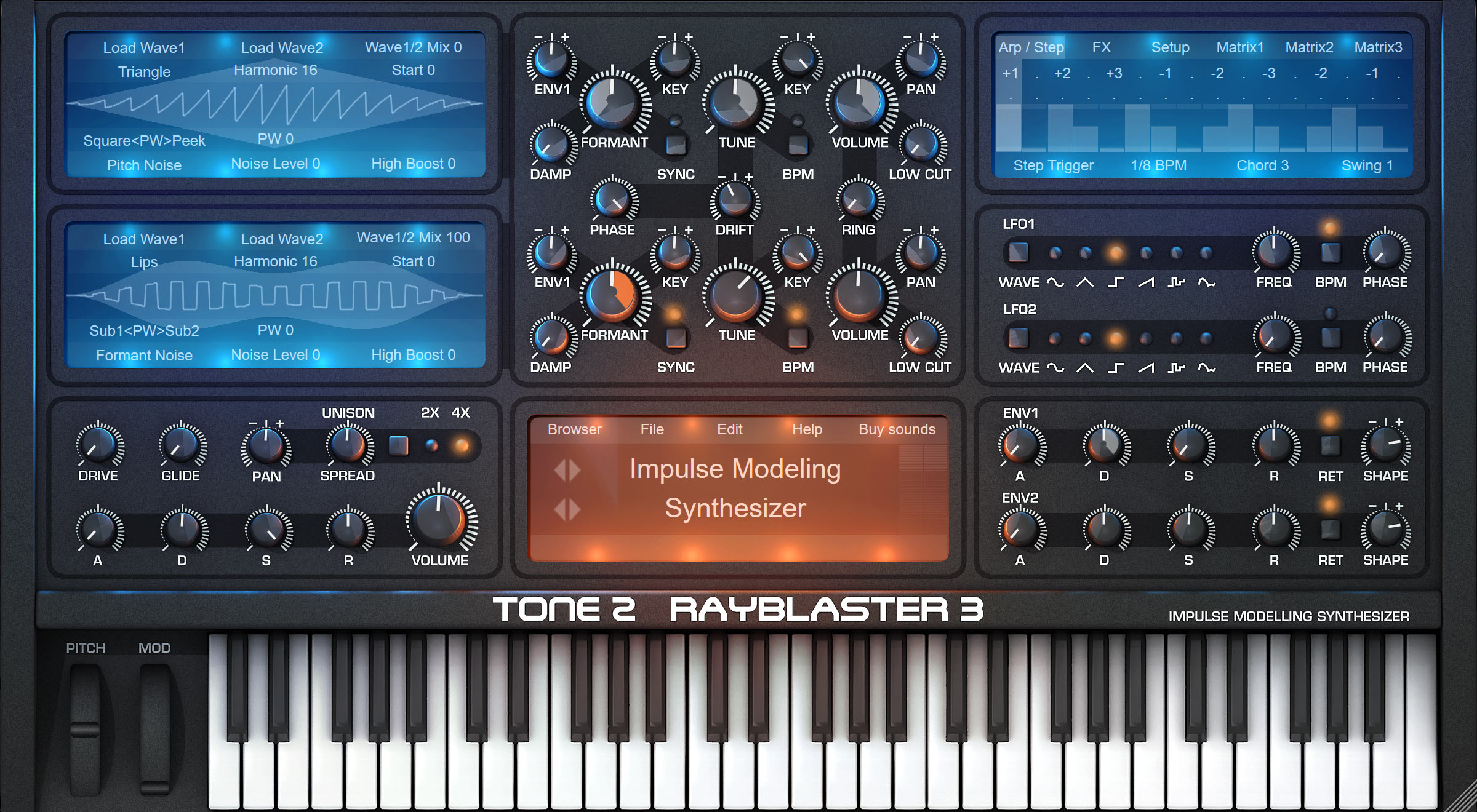
Last post by Markus Krause - April 28, 2026, 09:54:23 AMRayBlaster 3.5
The update to v3.5 is a major update. It overhauls the innovative engine of the Impulse Modeling Synthesizer. The factory content has been reworked.
It is free for anyone who bought RayBlaster 3. Owners of RayBlaster 1 or 2 can upgrade with a big discount.
website: https://www.tone2.com/rayblaster.html
free demo download link: https://www.tone2.com/download.html
What's new in RayBlaster 3.5 ?
Enhanced sound quality:
Better factory content:
New features:
Enhanced graphics:
Further enhancements:
Fixes:
Downward compatibility:
The update to v3.5 is a major update. It overhauls the innovative engine of the Impulse Modeling Synthesizer. The factory content has been reworked.
It is free for anyone who bought RayBlaster 3. Owners of RayBlaster 1 or 2 can upgrade with a big discount.
website: https://www.tone2.com/rayblaster.html
free demo download link: https://www.tone2.com/download.html
What's new in RayBlaster 3.5 ?
Enhanced sound quality:
- Significantly enhanced sound quality when 44 kHz or 22 kHz is used as the DAW's samplerate. Reduced aliasing up to 12 dB.
- Drastically enhanced sound quality when 88 kHz or 176 kHz is used as the DAW's samplerate. Reduced aliasing up to 20 dB.
- The enhanced FFT precision results in more accurate resampling of waveforms.
- More precise interpolation of the oscillator impulses.
- Enhanced sound of 'Reverb Ultra'. It has stereo input, a smoother rolloff, more detail and more depth.
- Enhanced sound of 'Reverb Big'. It has has stereo input, a smoother rolloff, more detail and more depth.
- Enhanced sound of 'Reverb Infinite'. It has stereo input, a smoother rolloff, more detail and more depth.
- Enhanced sound of 'Reverb Trance'. It has stereo input, a smoother rolloff, more detail and more depth.
- Enhanced sound of 'Reverb Band'. It has a smoother rolloff, less phasing, more detail and more depth.
- Enhanced sound of 'Reverb Glass'. It has a smoother rolloff, less phasing, more detail and more depth.
- Reduced detuning in 'Delay Dual' effect.
- Reduced detuning in 'PingPong' effect.
- Slightly reduced detuning in 'MultiTap Delay' effect.
- Slightly reduced detuning in 'Delay' effect.
- Slightly reduced detuning in 'Delay Band' effect.
- Slightly reduced detuning in 'Delay Diffuse' effect.
- The equalizer uses 64bit processing for coefficient calculations.
- The upper midrange is less sharp in the EQ modes 'Psychoacoustic+', 'High Boost' and 'Psychoacoustic'.
- Enhanced sound of the per-voice distortion.
Better factory content:
- The complete factory content has been reworked.
- 50 new sounds have been added.
- Lots of existing sounds were enhanced and fine-tuned.
- All sounds are now properly sorted into the right categories.
- Mediocre sounds have been kicked to provide only top-quality content. You can download them optionally from the website.
New features:
- It is more easy to see soundsets in the patch browser. They have blue color.
- Tutorial patches have grey color in the patch browser.
- The patch browser can show a scrollbar for the categories.
- There is an additional equalizer in the Setup section. 'EQ: Soft Midrange' damps frequencies around 3.5 kHz with -6dB.
Enhanced graphics:
- Much faster animations of the waveforms, the VUs and the effect parameters.
- More precise layout of the small knobs and various GUI elements.
Further enhancements:
- Better default settings for the init patch.
- Better default parameters for various effects.
- Enhanced stability.
- The installer is smarter and VST3 is installed with the default setting.
- Included a workaround for crappy DAWs that return garbage values for the BPM-rate or song-position.
- Many small enhancements.
Fixes:
- Fixed an unlikely crash that could happen when the Windows function of the oscillator is automated.
Downward compatibility:
- RayBlaster 3.5 is downward compatible with all previous versions. Existing song projects and patches can be loaded without any further steps necessary. They will benefit from the enhanced sound-quality.
- The factory content has been reworked and many sounds have been moved to other categories. To avoid duplicates we recommend to uninstall your previous RayBlaster version before you install v3.5.